

Typing
Free Downloads

Typing Videos
FAQ's
Are there completion stickers for Typing?
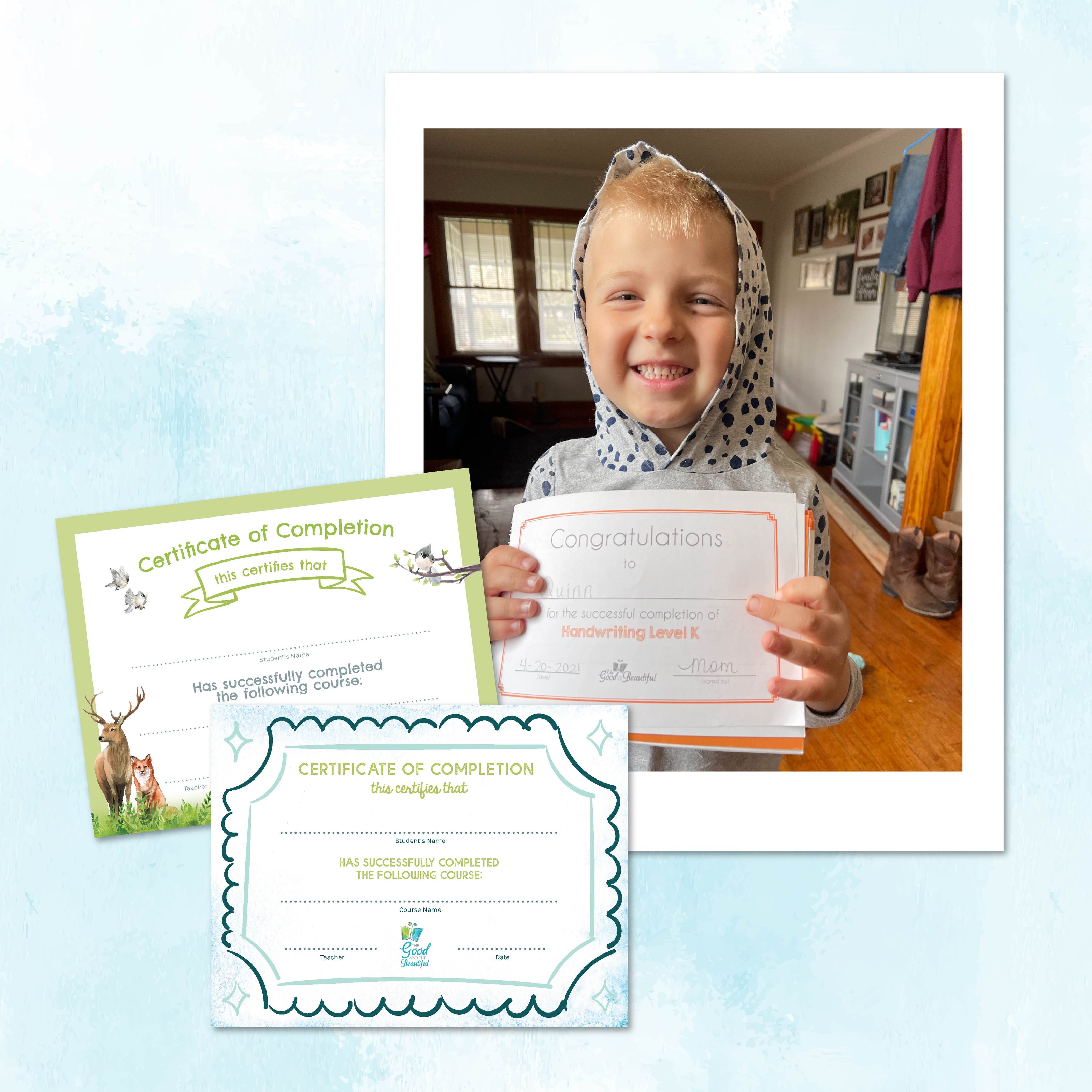
Yes. Because Typing is a digital elective, we offer the Typing Sticker as an optional additional purchase. Now your students have a way to show their accomplishment in their My Electives Badge Book!
What are the subscription options for Good and Beautiful Typing?
Good and Beautiful Typing has two different subscription options. There is a monthly subscription available for $4.99/month and a yearly subscription available for $34.99/year. Each subscription allows you full access to the course for up to six students, and you may log in on multiple devices.
How do I manage my subscription?
For more information about how to manage your subscription, like canceling, pausing, or changing your subscription, click here.
How do I add students to my subscription?
To add students to your Good and Beautiful Typing subscription, click on "Settings" > "Teacher Dashboard" on the left side panel. Enter your Teacher PIN, and then click the green "Add Student" button.
Alternatively, if you have two or more students' profiles registered, you can click "Switch Student" under the current student's name, where you will then be able to add, remove, or edit student profiles.
Can I try the course before subscribing?
Yes. We offer a 10-day free trial of Good and Beautiful Typing, which includes full access to the course during the trial period. You may upgrade to a monthly or yearly subscription at any time during the free trial. Customers will receive an email 2–3 days before the free trial expires and again upon expiration with details on how to upgrade to a paid subscription. You can also visit the Teacher Dashboard in the course or the website to upgrade. Any progress made during the trial period will be retained after purchasing a subscription.
What equipment is recommended for Good and Beautiful Typing?
An external keyboard with a QWERTY layout is required. We recommend that a computer, such as a desktop computer, laptop, or Chromebook, be used to allow children to practice with the computer mouse, clicking, using the home row, and more. A large-screen tablet with an external keyboard and mouse may be used, if necessary. The screen size of smaller tablets will not provide adequate screen space for the exercises in Good and Beautiful Typing. The course is designed to accommodate both macOS and Windows operating systems, machines, and keyboards.
Is my child old enough for Good and Beautiful Typing?
Good and Beautiful Typing is designed for students at any level who need to learn typing or to improve their typing fluency. We recommend that students be able to read short sentences and understand basic instructions before starting this course. Most students begin typing instruction in 3rd grade.
Is parent/teacher supervision required for Good and Beautiful Typing?
While some parent or teacher supervision may be helpful, the course is designed so that children can complete the exercises independently, without a parent’s assistance. There is a parent PIN required at the end of each lesson so parents can track their child’s progress and ensure they are completing their lessons. If desired, this PIN can be disabled in the Teacher Dashboard under the student settings.
How long should a typing lesson take my child to complete?
Each lesson is designed to take about 5–10 minutes.
How many lessons should my child complete per day?
We recommend students complete 2–3 lessons a week, with additional practice using the Extra Typing Practice included in the course.
How long does it take to complete Good and Beautiful Typing?
Following the recommended 2–3 lessons a week pace, the course should take about one school year to complete. However, each child will learn at a different pace, and we encourage children to take time to fully master the keys and not advance too quickly through the course. Utilizing the Extra Typing Practice section and going back to review old lessons are great ways to ensure retention and mastery of their skills.
What topics does Good and Beautiful Typing cover?
Good and Beautiful Typing is a full typing course that covers the fundamentals of typing, including correct posture, hand placement, and how to use a computer mouse. It also teaches students how to properly type using most of the keys on the keyboard, including home row and the anchor keys, all alphabet keys, backspace/delete, space bar, enter/return, shift, all punctuation and number keys, and the most-used special characters.
You can see the full scope and sequence of the course here.
Which level should my child begin with in the Good and Beautiful Typing course?
We recommend every student start at Level 1. Older students can progress as quickly as needed through the course.
Is there additional typing practice available outside of the regular lessons?
Yes. As students complete the lessons, the practice exercises and games they encounter will be unlocked in the Extra Typing Practice section available on the left side panel of the app. We recommend students regularly use the Extra Typing Practice to strengthen and solidify their skills as they advance through the course.
Does the Good and Beautiful Typing course include religious content?
Yes. The course includes typing practice exercises where students will copy verses from the Bible or faith-based poetry.