

Did you ever learn to play the piano? If you did, chances are that your teacher told you (more than once) not to look at your hands and to keep your eyes on the sheet music.
Focusing on the notes on the page rather than the placement of your fingers allowed you to progress beyond slowly plunking away at the keys and to develop the agility to play whirling sonatas at racing tempos.
Learning to touch type is similar to learning to play the piano—or any instrument.



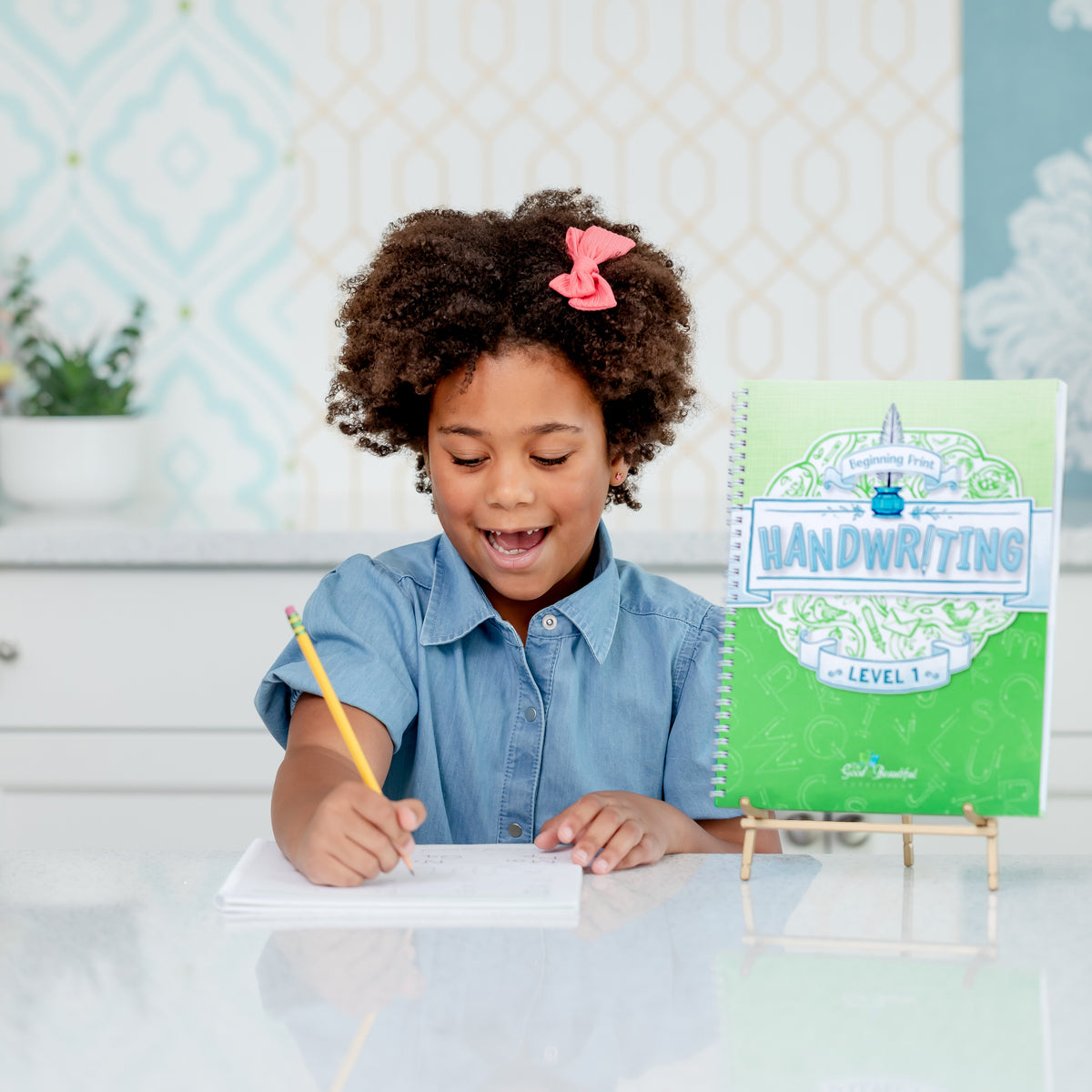
Typing vs. Handwriting Benefits
Typing
- Increases processing speed
- Allows for easy editing
- Can build success and confidence for kids who struggle with handwriting
- Strengthens posture and coordination
- Supports quick brainstorming and idea generation
Handwriting
- Strengthens memory retention
- Develops fine motor skills
- Encourages deeper thinking
- Deepens creativity
- Improves letter recognition, reading fluency, spelling, and grammar

What Typing Users Are Loving
Good and Beautiful Typing has already received hundreds of 5-start reviews. Here’s a little taste of what Typing fans are saying:
Swipe to see more
Yes, we love it! This is a great tool to learn how to type well! The games are really fun and challenge the kids! Good and Beautiful Typing encourages me to get faster and accurate at typing! We highly recommend this program to any of our homeschooling, friends and public/private school friends!
I have been trying to find a good typing program that would suit my two daughters, and this does the job. My daughters love it, the instructions are clear, they both enjoy the practice sessions and the games. And they both love talking to each other about where they're at. 10/10!
My children love this typing program. It’s fun and entertaining and not overwhelming. They want to do it first thing in the morning. They have learned so much in a short period of time. I definitely recommend it!
My son loves this. It’s engaging and happy. He’s learning a lot. When he’s on his laptop, if I find him pecking, I tell him to remember home row and what’s he’s learned. He puts his fingers in home row and begins to type thoroughly. I’m very happy with this purchase.
This program is so lovely, the kids can’t wait to do their typing practice and talk about how fun the games are. The price is incredible, nothing but great things for this program.
My children enjoy this typing program so much. We use it as a reward after chores are done! Definitely a win, and I love the beautiful nature-inspired graphics and fun games that are congruent with The Good and the Beautiful’s products. So happy to have found this typing program!
I have spent years and gone through so many programs desperately trying to teach my son to type. This is the first one to work! I think it is the focus on proficiency not speed that allowed him to relax and to be amazing. It’s only been a month, and he is comfortably and confidently typing for the first time. Thank you so much for this program!
All my kids, ages 6–10, love Good and Beautiful Typing. It’s the only subject they don’t complain about and they actually do it without me asking…. And we do the Simply Spelling as well for my 10 year old. It’s a great complement for her to practice typing and spelling.
You may also like . . .







Related Posts
-

Let’s Give Thanks: Thanksgiving History and Act...
Learn about the history of Thanksgiving and why it’s an American holiday to be grateful for. Plus, download free Thanksgiving activity sheets!
Let’s Give Thanks: Thanksgiving History and Act...
Learn about the history of Thanksgiving and why it’s an American holiday to be grateful for. Plus, download free Thanksgiving activity sheets!
Read more Let’s Give Thanks: Thanksgiving History and Activities -

70 Fun Activities Grandparents Can Do with Gran...
Discover the benefits of grandparents spending time with their grandchildren, and download a list of 70 fun activities they can do together!
70 Fun Activities Grandparents Can Do with Gran...
Discover the benefits of grandparents spending time with their grandchildren, and download a list of 70 fun activities they can do together!
Read more 70 Fun Activities Grandparents Can Do with Grandkids -

Top Tips for Homeschool Organization
Homeschool organization tips to keep your space calm and clutter-free. Learn simple ways to organize curriculum, supplies, and homeschool schedules.
Top Tips for Homeschool Organization
Homeschool organization tips to keep your space calm and clutter-free. Learn simple ways to organize curriculum, supplies, and homeschool schedules.
Read more Top Tips for Homeschool Organization -

Alternatives to Public School: Choosing the Bes...
Considering alternatives to public school? Explore homeschooling, charter schools, private schools, and other options for your family.
Alternatives to Public School: Choosing the Bes...
Considering alternatives to public school? Explore homeschooling, charter schools, private schools, and other options for your family.
Read more Alternatives to Public School: Choosing the Best Option for Your Child -
 2 comments
6 Fun Ways to Teach Kids About the World Cup
⚽ Wondering how to make the FIFA World Cup an unforgettable educational experience for your kids? Engage your children with this epic soccer tournament!
2 comments6 Fun Ways to Teach Kids About the World Cup
⚽ Wondering how to make the FIFA World Cup an unforgettable educational experience for your kids? Engage your children with this epic soccer tournament!
Read more 6 Fun Ways to Teach Kids About the World Cup -
 3 comments
How Dads Do Homeschool
Wondering how dads do homeschool? In this post we explore the many ways homeschool dads contribute to their children’s education and character.
3 commentsHow Dads Do Homeschool
Wondering how dads do homeschool? In this post we explore the many ways homeschool dads contribute to their children’s education and character.
Read more How Dads Do Homeschool -
 5 comments
Homeschool Requirements
One of the first questions many parents ask when they begin to consider homeschooling is this: What are my state’s homeschooling requirements? Learn about the requirements and where to find...
5 commentsHomeschool Requirements
One of the first questions many parents ask when they begin to consider homeschooling is this: What are my state’s homeschooling requirements? Learn about the requirements and where to find...
Read more Homeschool Requirements -

How Much Does Homeschooling Cost?
Interested in homeschooling? Get a look at common homeschooling expenses to help you estimate costs and see how homeschooling might fit within your family's budget.
How Much Does Homeschooling Cost?
Interested in homeschooling? Get a look at common homeschooling expenses to help you estimate costs and see how homeschooling might fit within your family's budget.
Read more How Much Does Homeschooling Cost? -

What Is a Subordinating Conjunction?
Help your child memorize 16 commonly used subordinating conjunctions with the illustrated “Subordinating Conjunctions Song” and free worksheets from The Good and the Beautiful Level 5 Language Arts course.
What Is a Subordinating Conjunction?
Help your child memorize 16 commonly used subordinating conjunctions with the illustrated “Subordinating Conjunctions Song” and free worksheets from The Good and the Beautiful Level 5 Language Arts course.
Read more What Is a Subordinating Conjunction? -

What Are Being Verbs?
Help your child memorize the eight being verbs with the illustrated “Being Verbs Song” and free worksheets from The Good and the Beautiful Level 4 Language Arts course.
What Are Being Verbs?
Help your child memorize the eight being verbs with the illustrated “Being Verbs Song” and free worksheets from The Good and the Beautiful Level 4 Language Arts course.
Read more What Are Being Verbs? -

What Are Prepositions?
Help your child memorize more than 30 prepositions with the illustrated “Preposition Song” and free worksheets from The Good and the Beautiful Level 4 Language Arts course.
What Are Prepositions?
Help your child memorize more than 30 prepositions with the illustrated “Preposition Song” and free worksheets from The Good and the Beautiful Level 4 Language Arts course.
Read more What Are Prepositions? -

Are Homeschoolers Too Sheltered?
Many parents struggle with the question of how much to shelter their children from the difficulties and trials in life. Homeschool families are no exception. Are homeschoolers too sheltered? Jenny...
Are Homeschoolers Too Sheltered?
Many parents struggle with the question of how much to shelter their children from the difficulties and trials in life. Homeschool families are no exception. Are homeschoolers too sheltered? Jenny...
Read more Are Homeschoolers Too Sheltered? -
 1 comment
Do Kids Really Need to Learn Cursive?
Is learning cursive really necessary? You might be surprised by Jenny’s answer. In this blog post and video, she shares some of the benefits of learning cursive and how The...
1 commentDo Kids Really Need to Learn Cursive?
Is learning cursive really necessary? You might be surprised by Jenny’s answer. In this blog post and video, she shares some of the benefits of learning cursive and how The...
Read more Do Kids Really Need to Learn Cursive? -
 47 comments
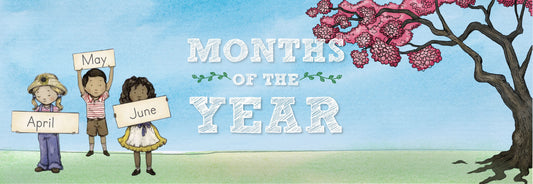
Months of the Year
Learning the months of the year is easy with this adorable "Months of the Year" song that takes children through the changing seasons. Keep reading for fun activities to do...
47 commentsMonths of the Year
Learning the months of the year is easy with this adorable "Months of the Year" song that takes children through the changing seasons. Keep reading for fun activities to do...
Read more Months of the Year -
 8 comments
Days of the Week
Learning the names of the days is easy with this simple Days of the Week song from The Good and the Beautiful. Find fun ways to practice putting the days...
8 commentsDays of the Week
Learning the names of the days is easy with this simple Days of the Week song from The Good and the Beautiful. Find fun ways to practice putting the days...
Read more Days of the Week -
 28 comments
Top 5 Tips for Homeschool Planning
Wondering how to get ahead on homeschool prep this summer? Keep reading for Jenny’s top 5 tips to make this homeschool year the best one yet!
28 commentsTop 5 Tips for Homeschool Planning
Wondering how to get ahead on homeschool prep this summer? Keep reading for Jenny’s top 5 tips to make this homeschool year the best one yet!
Read more Top 5 Tips for Homeschool Planning -
 1 comment
Tips for Managing Summer Screen Time
Find simple, practical tips to help reduce screen use, encourage creativity, and create a more joyful and balanced summer for your family.
1 commentTips for Managing Summer Screen Time
Find simple, practical tips to help reduce screen use, encourage creativity, and create a more joyful and balanced summer for your family.
Read more Tips for Managing Summer Screen Time -
 3 comments
Tips for Limiting Screen Time
Technology brings a wealth of information to our fingertips, but overuse of screen time has become an issue for many families. Jenny Phillips shares her family’s journey to limiting screen...
3 commentsTips for Limiting Screen Time
Technology brings a wealth of information to our fingertips, but overuse of screen time has become an issue for many families. Jenny Phillips shares her family’s journey to limiting screen...
Read more Tips for Limiting Screen Time -
 11 comments
Homeschooling Year-Round vs Traditional
Is a traditional or year-round homeschool schedule best for your family? Watch this video from The Good and the Beautiful YouTube channel to find out some benefits and drawbacks of...
11 commentsHomeschooling Year-Round vs Traditional
Is a traditional or year-round homeschool schedule best for your family? Watch this video from The Good and the Beautiful YouTube channel to find out some benefits and drawbacks of...
Read more Homeschooling Year-Round vs Traditional


