Free Download
Language Arts: Level 4
Explore More Free Courses
- Language Arts: Level K
- Language Arts: Level 1
- Language Arts: Level 2
- Language Arts: Level 3
- Language Arts: Level 4
- Language Arts: Level 5
- Language Arts: Level 6
- Language Arts: Level 7
- Language Arts: Level 8 Book Studies
- Math: Level K
- Math: Level 1
- Math: Level 2
- Math: Level 3
- Math: Level 4
- Math: Level 5
- Math: Level 6
- Math: Level 7
- Math: Pre-Algebra | Level 8
- Science: Marine Biology
- Nests and Burrows Free Lessons
- History Year 1 Free Lessons
There is free homeschool curriculum out there, but nothing like this! We offer free course sets (Levels K-8) that combine and thoroughly cover phonics, reading, writing, spelling, literature, grammar, punctuation, art, and geography—all in one easy-to-use, beautiful course.
Includes:
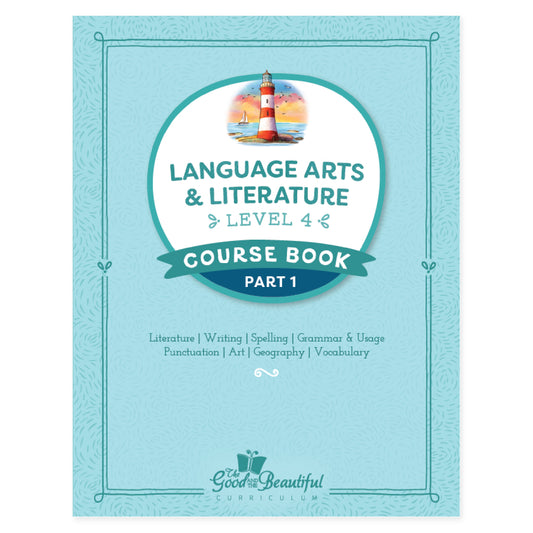
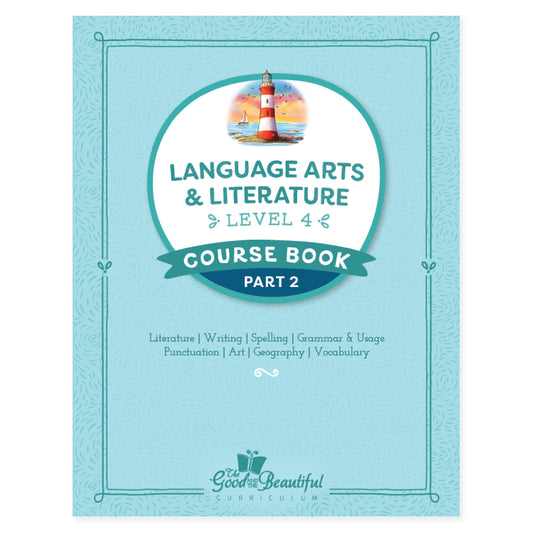
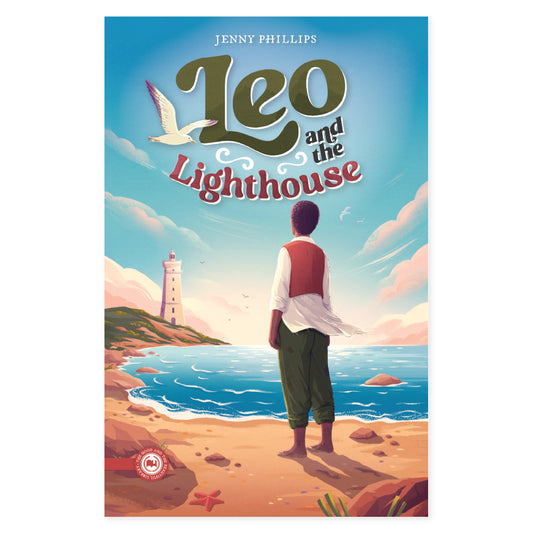
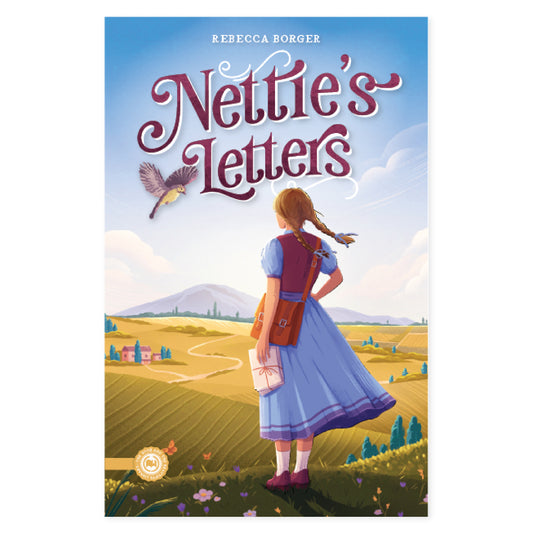
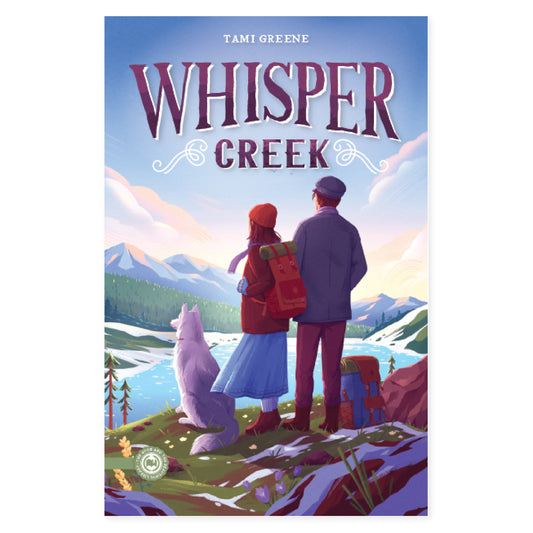
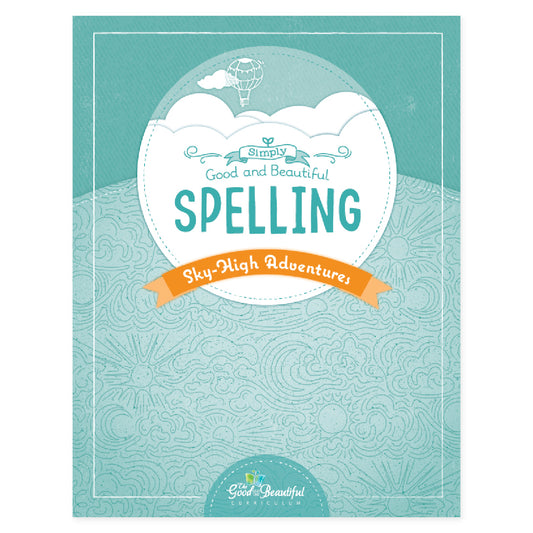
Level 4 Course Book, Spelling & Writing Workshops, World Biographies Reader, Personal Reader
Details:
Level 4 Language Arts effectively builds a powerful foundation in language arts and opens children’s hearts and minds to high character and beautiful literature. Two Readers are packed with inspiring biographies and beautiful literature. Level 4 Spelling & Writing Workshops helps children’s writing skills blossom and dramatically improve spelling skills.
- Thoroughly covers writing, spelling, reading, grammar, usage, punctuation, vocabulary, geography, and art appreciation and instruction
- Features a completely open-and-go, student-led daily lesson format
- Beautifully integrates and encourages a love of poetry, nature, high character, and wholesome, powerful literature
- Combines aspects of Charlotte Mason and classical learning styles
- Takes a faith-based, non-denominational Christian approach, reviewed by a team of more than 30 editors representing many Christian denominations; focuses on very basic Biblical principles such as kindness and honesty
Recommended Resources
Find optional add-on products to complement the Level 4 Course Set. NOTE: The correct handwriting level may vary by child. Please ensure the correct level is chosen by viewing samples on the handwriting page prior to ordering. Downloadable PDFs are final sale and may not be refunded, returned, credited, or exchanged.

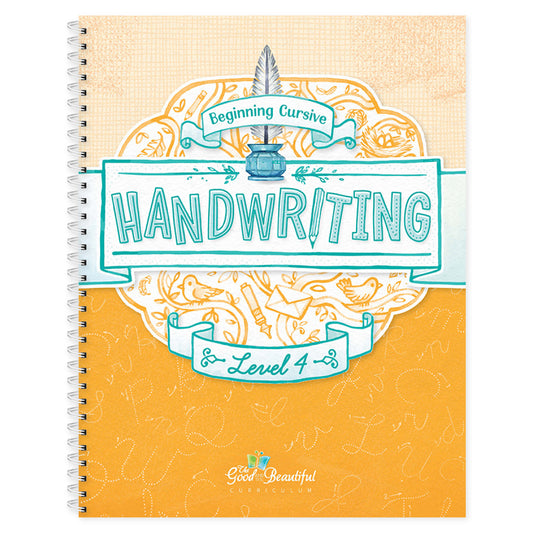
Handwriting Workbook: Level 4
- Wire Binding
- Full Color with Colored Dot System
- 8.5”x11″

Spelling Rules Flashcards
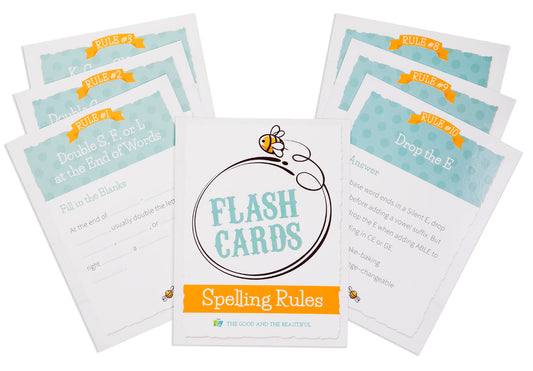
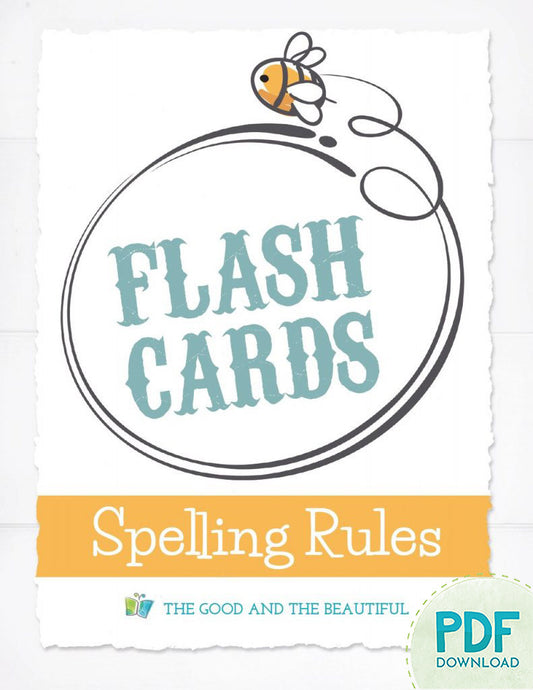
Master 13 of the most consistent and important spelling rules with these helpful flashcards! Each card has fill-in-the-blanks on one side and the complete spelling rule on the other side. While not integrated into our language arts courses, the rules covered are the same as the ones taught in our courses.
- 13 full-color rule cards
- Laminated card stock
- 4.25"x5.5"
These cards are an optional extra resource created by the Good and the Beautiful Language Arts team and can be used for any language arts level beginning in Level K.

Handwriting Workbook (PDF): Level 4
PDF for self-printing
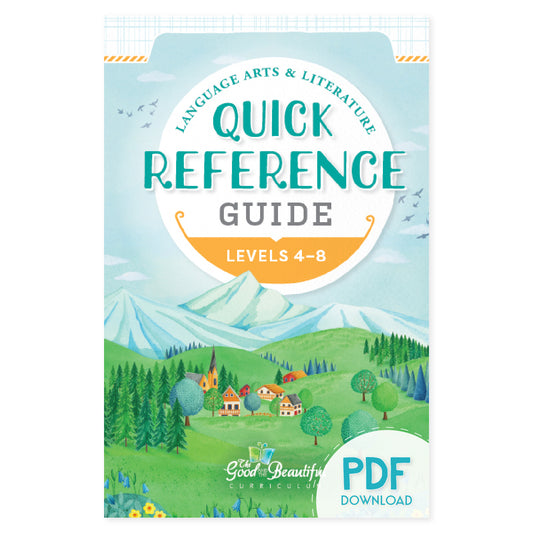
Handwriting Level 4 focuses primarily on cementing correct cursive letter formation and on teaching how to write cursive words and sentences with a unique colored dot system developed by Jenny Phillips. This program makes it easy for children to correctly learn cursive with little to no help from parents. Level 4 also includes print letter formation as review.
This course is divided into three sections. Each section covers new principles with plenty of practice.
Section 1 guides the child through the formation of each letter of the alphabet in cursive. The child begins to connect letters into words by following The Good and the Beautiful cursive color dot system. Section 2 teaches the child to write cursive words without color guides and prepares the child to write whole sentences in cursive without guides. Section 3 teaches the child to write entire sentences in cursive while reinforcing correct print formation.
The course also includes fun, inspiring, and beautiful drawing projects throughout. The images, artwork, and words used in this handwriting course are all designed to connect children to the good and the beautiful: family, faith, high moral character, and the wonders and beauty of nature and human life.
This workbook includes 100 lessons, which is 3–4 lessons per week for a normal school year.

Spelling Rules Flashcards (PDF)
Master 13 of the most consistent and important spelling rules with these helpful flashcards! Each card has fill-in-the-blanks on one side and the complete spelling rule on the other side. While not integrated into our language arts courses, the rules covered are the same as the ones taught in our courses.
- 13 full-color rule cards in a handy PDF
- 4.25"x5.5"
Recommended Resources
Handwriting Workbook: Level 4
Spelling Rules Flashcards
Frequently Asked Questions
Is the free PDF identical to the print version?
Yes! Whether you are downloading free sample lessons or an entire course, the PDF you will receive are the same as those particular lessons in the full PDF course set. You can purchase the full physical version of the course above.
I am having difficulty accessing the download. Are there any troubleshooting ideas that may help?
As a reminder, the file will begin downloading after you click “Join List and Receive Download.” The download is not sent via email.
We highly suggest you use a computer or laptop to download the files. Due to their large size, they come in compressed (.zip) files, which many handheld devices have difficulty supporting. If you are unable to locate your download on your computer, please check your Downloads folder. If you are using a VPN, you will need to disable it before attempting the download. It is also possible that you have an ad/pop-up blocker on. Follow the instructions below to disable the ad/pop-up blockers.
Safari—Disable ad/pop-up blockers
1. In the upper left-hand corner of your Safari browser, click “Settings for goodandbeautiful.com…”
2. A “visiting goodandbeautiful.com” window will appear.
3. Go to the “Pop-up Windows” section and change Blocked to Allow.
4. Your download should begin in a few moments.
5. Check your Downloads folder for the files.
6. If files do not download, re-enter your email and click “Join List and Receive Download.”
Chrome—Disable ad/pop-up blockers
1. In the top right-hand corner of your Chrome browser, click the three dots or More > Settings.
2. Click Privacy and Security> Site settings > Pop-ups and redirects.
3. Go to the “Allowed to send pop-ups and use redirects” section.
4. Click the Add button.
5. Type goodandbeautiful.com in the box and click Add.
6. Return to your previous goodandbeautiful.com tab.
7. Your download should begin in a few moments.
8. Check your Downloads folder for the files.
9. If files do not download, re-enter your email and click “Join List and Receive Download.”
Microsoft Edge—Disable ad/pop-up blockers
1. In the upper right-hand corner of your Edge browser, click “settings and more.”
2. Click Settings > Cookies and site permissions.
3. Under all permissions, click Pop-ups and redirects.
4. In the Allow section, click Add.
5. Type goodandbeautiful.com in the box and click Add.
6. Return to your previous goodandbeautiful.com tab.
7. Your download should begin in a few moments.
8. Check your Downloads folder for the files.
9. If files do not download, re-enter your email and click “Join List and Receive Download.”
If you are still unable to download the file after using these tips, please email us at support@goodandbeautiful.com or contact us by filling out the form at the bottom of this page: Contact support
How do I open and unzip my file?
Most files are zipped to compress their size. Files will need to be unzipped for access or printing.
How to Open a Zip File in Windows:
- Right-click the folder and select “Extract All.”
- A new window will open. Select the Destination where you would like to save the folder or file.
- Click “Extract,” and the folder or file will be saved to the destination unzipped and ready to be opened.
How to Open a Zip File From a Mac:
- Double-click the folder or file.
- The folder or file is now unzipped; you can open, move, or save it.
How to Open a Zip File on a Mobile Device:
We recommend downloading the files on a computer or laptop and transferring them to your mobile device. If that is not possible, follow the directions below.
iPhone or iPad
- Download Chrome from the App Store if it is not downloaded already. (The Safari mobile app is less likely to support the downloads.)
- Open Chrome, and go to www.goodandbeautiful.com/free/.
- Reenter your email and click ”Join List and Receive Download.”
- The zipped file should appear at the bottom of the screen.
- Click “Download” or “Open In.”
- Click “Save to Files” at the bottom of the list.
- Choose the folder where you would like to save the file.
- Click “Save” in the upper right-hand corner.
- Go to your “Files” app.
- Click on the zipped file.
- A folder will appear next to it.
- Click on the folder and select the PDF you want to view.
Android or Tablet
- In Chrome, click the three dots in the bottom right-hand corner.
- Scroll the icons over and click on “Downloads.”
- Click on the downloaded file.
- An “Open With” window will appear.
- Click on “My Files” or “File Manager.”
- The file app will open and display your downloaded file.
- Click “Extract” in the bottom right-hand corner.
- Your files are now ready to view.
Recommendation for Printing:
Printing from a computer is preferred, as it offers more flexibility with double-sided printing and page sizes. Click here for more Printing Helps.
Still Need Help?
If you are still unable to open and unzip the file after using these tips, please do not hesitate to email us at support@goodandbeautiful.com or by filling out the form at the bottom of this page: Contact support.